

Occasionally I am asked what the difference is between a WordPress website, as opposed to a DIY website builder like Wix, Squarespace or Weebly. Or for e-commerce websites, what is the difference between Shopify and WooCommerce? I take a look at the pros & cons of each option, and which will be the better option in the long run.
Of course I would go with WordPress every time, but saying that, WordPress can be the more technical option, so if a client is really keen to manage their own content as easily as possible, Wix, Squarespace or Shopify may be their preferred option.
Owning your domain & hosting
Firstly, one of the main issues with Wix or Squarespace is that they direct you into registering your domain through their own systems. And despite them saying that you can transfer your domain away from their systems in the future, in practice I have found this to be impossible. If you try to transfer your domain away from Wix or Squarespace, you come up against a wall of silence, with no options to contact anyone for any help.
I have worked with a number of clients that had a Wix website, and wished to change hosting & upgrade to a WordPress website, only to find that they can not use their domain – the domain is owned by whoever registered it. Every time, they had to start again from scratch with a new domain, which obviously causes issues with continuity.
This is why I always recommend that my clients purchase a proper hosting package, registering their domain themselves – which makes it easy to move your domain to any host or platform in the future without any hassle. Because, if your company website is important to your business, your domain is the most valuable asset and has to be owned by you.
WordPress is 100% Free
Most hosting packages come with a range of free software installations, WordPress being one of these options. I understand that it can be a bit more technical to set WordPress up properly on a hosting package, but in the long run it will be by far the cheapest option. By paying a professional web designer to set up a WordPress website and get you started, the initial expense will be worth it.
WordPress.org vs .com
It’s important to understand that WordPress.org is completely different to WordPress.com. The .ORG option is open source (free) software that you install on your own hosting platform. This makes the overall costs as cheap as possible.
WordPress.com is hosted on the WordPress servers, so you don’t need to worry about hosting or software updates. This option is very similar to Wix or Squarespace, as you don’t need any technical knowledge to set up a website.
My preference is always WordPress.org, as you have total control of every single aspect of the website, and retain total ownership of the domain, website and files. This is what allows you to customise a website completely, and I believe that any professional company needs total control of every aspect of their website, to be truly successful and rise above the competition.
SEO Pros & Cons
I have seen first-hand how Wix websites are not so good for SEO. An old client decided to move from a WordPress web design to a Wix website, and within 4 weeks their website had dropped down the Google rankings quite dramatically. Yes, Wix tell you that they are great for SEO and have special SEO tools that help you, but in reality, it is impossible for a Wix website to compare with WordPress, as the source code of a Wix website is a mass of Javascript.
WordPress source code will be presented in good old-fashioned HTML and CSS, the basic building blocks of any website. This allows you to tweak the background code of the entire website and manipulate your SEO.
Future Functionality
Another disadvantage of the DIY website builders is that they will charge you more per month if you require extra functionality, such as an e-commerce system. WordPress.org has a large library of plug-ins that are often completely free, meaning that almost any functionality is possible, at no extra cost.
Of course it can be a bit more technical to install these plug-ins and ensure that they are working as you require, but in my experience, there has never been a functionality that I can’t achieve for free.
E-Commerce Web Design
Another DIY web design option that specialises in e-commerce is Shopify. I have used Shopify and can see how great it is. Shopify websites are really good and work perfectly, with a range of excellent themes & styles to choose from. I have not got a bad word to say about Shopify!
However… WordPress, combined with WooCommerce, will do exactly the same thing! And the advantage of using WordPress and WooCommerce, is that you will have a whole website with an e-commerce system added on – where Shopify is simply an e-commerce system. So, a professional business that really aspires to get to the top of search engines, they should cover all bases by creating not only a shop, but a comprehensive website, and perhaps a Blog. This is the advantage of WordPress.
Conclusion
If you are running a small, local business and require total control of your website updates, Wix, Squarespace or Shopify can be the perfect solution. As you will be able to easily manage the website, and it will look professional.
If you are a serious company with aspirations of getting above your competition – while also keeping the yearly costs as low as possible – WordPress should be the option you choose. Of course it may be slightly more expensive to set it up initially, but the future running costs will be extremely low. And flexibility is endless.
Recent Design Projects…

Heman Health Web Design
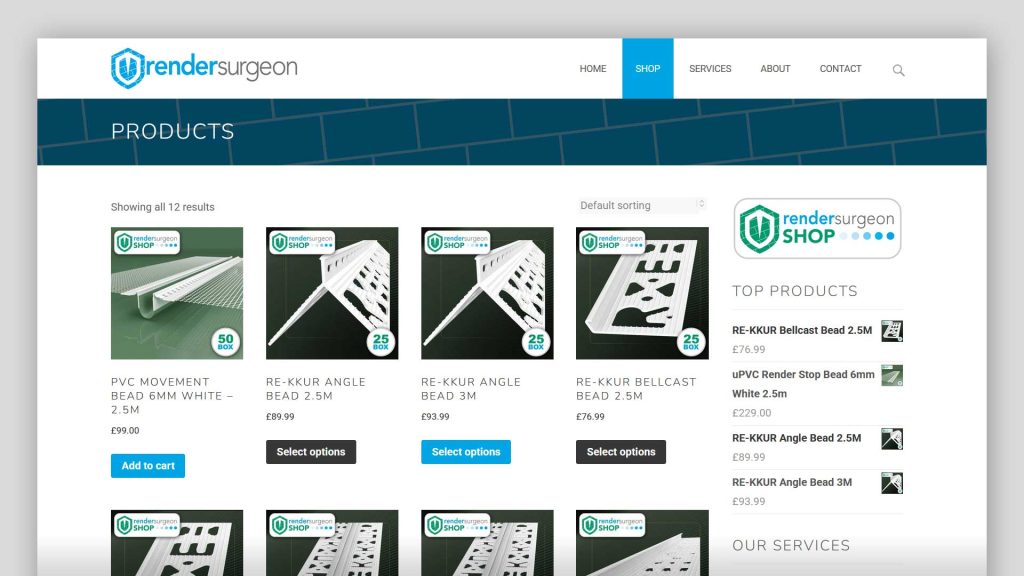
Render Surgeon Shop Web Design

MASS E Logistics Web Design
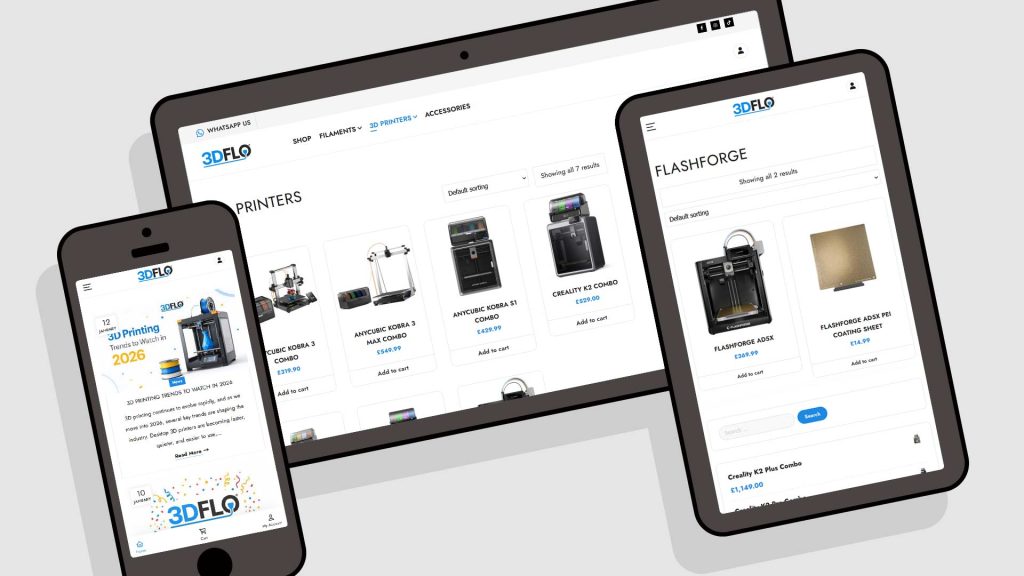
3DFLO E-Commerce Web Design
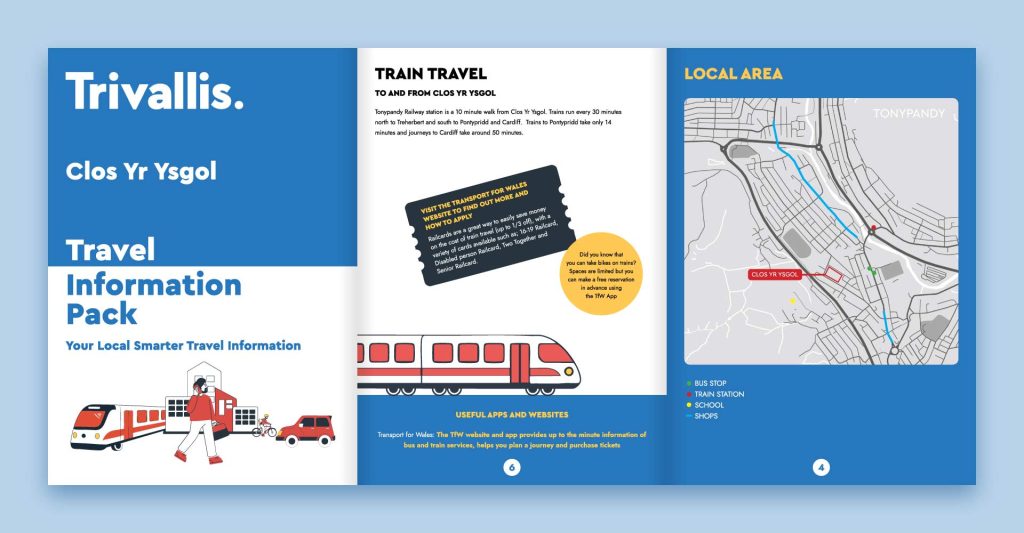
Travel Pack Brochure Design
